Claude Code vs. Cursor vs. Atoo — AI Coding Tools Compared
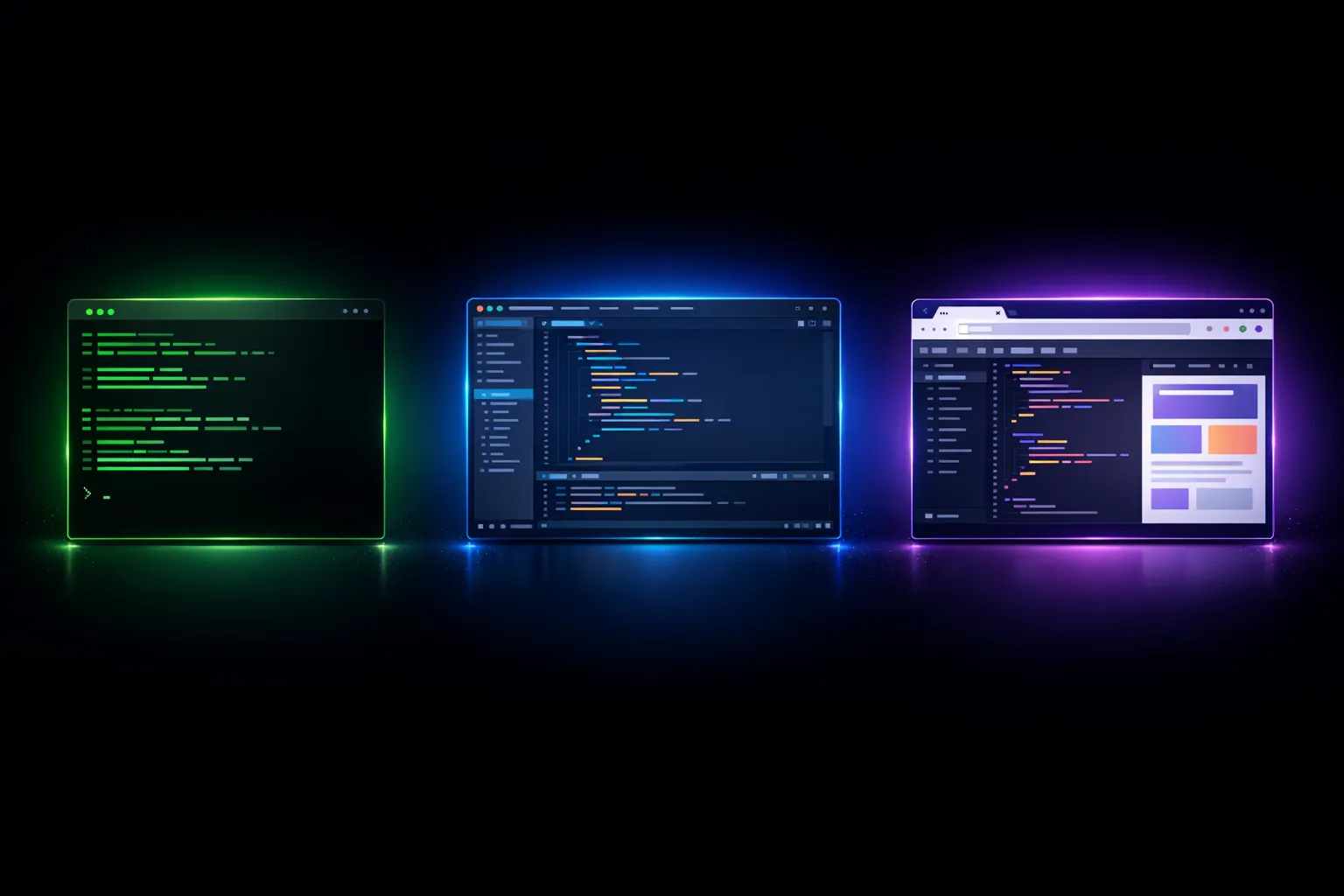
Why This Comparison?
I get asked regularly: “Which AI coding tool should I use?” My answer is always: “It depends.” And because “it depends” is an unsatisfying answer, I am writing this article.
I use all three tools — Claude Code, Cursor, and Atoo Studio — on a daily basis. Yes, including Atoo Studio, even though (or precisely because) I built it myself. I know the strengths and weaknesses of each tool from firsthand experience, not from marketing material.
This comparison is subjective. It is based on my usage, my requirements, my workflow. Your mileage may vary. But I will try to be as honest as possible — even about my own product.
Claude Code — The Terminal Virtuoso
What It Is
Claude Code is Anthropic’s CLI tool for AI-powered software development. It runs in the terminal and gives Claude Sonnet or Opus direct access to the file system, the shell, and Git. No GUI, no bells and whistles — pure terminal.
Strengths
The greatest strength of Claude Code is its autonomy. You give the agent a task, and it works independently. It reads files, writes code, executes commands, debugs errors — all without you having to confirm every step. For complex, multi-step tasks, that is fantastic.
The contextual understanding is impressive. Claude Code can analyze large codebases, understand relationships, and write code that matches the existing style. I have tested it on projects with hundreds of files, and it navigates the code remarkably well.
Another plus: tool integration via MCP (Model Context Protocol). Claude Code can communicate with external tools — query databases, call APIs, control browsers. This expands its capabilities enormously.
Weaknesses
Its greatest weakness is simultaneously its greatest strength: it runs in the terminal. For visual tasks — frontend development, UI design, CSS debugging — it lacks visual context. Claude Code can write a React component, but it cannot see what it looks like. You have to provide the visual context manually, which disrupts the workflow.
Additionally, Claude Code requires a certain affinity for the terminal. If you do not enjoy working in the terminal, you will struggle. The learning curve is steeper than with GUI-based tools.
The cost can become relevant with intensive use. Claude Code uses the Anthropic API directly, and during long sessions with a lot of context, the charges add up.
Ideal For
Backend development, refactoring, code migration, infrastructure automation, complex debugging sessions. Anything where you need autonomous operation and visual context is secondary.
Cursor — The Editor Hybrid
What It Is
Cursor is a fork of VS Code with deeply integrated AI support. It looks and feels like VS Code, but comes with built-in AI features: chat, inline editing, code generation, multi-file editing.
Strengths
Cursor’s greatest strength is its seamless integration into the editor workflow. You write code, and when you need help, you press Cmd+K and describe what you want. The AI edits the code directly in the editor, with a diff view that shows what is being changed. It is intuitive and fast.
Cursor excels at inline editing. You select a block of code, describe the desired change, and Cursor modifies the code. For small to medium changes, it is the fastest workflow I know.
The tab completion feature is also strong. It goes beyond simple autocomplete, suggesting context-aware multi-line completions that are surprisingly often exactly what you intended to write.
The Composer feature enables multi-file editing: you describe a task, and Cursor modifies multiple files simultaneously. This works well for features that span several files.
Weaknesses
Cursor is less autonomous than Claude Code. It is primarily an interactive tool — you give instructions and confirm changes. For large, multi-step tasks where the agent should work independently, it is less suitable.
The context window is more limited. With very large projects, Cursor can lose the overview, especially when many files are relevant. You have to more actively manage which files are in context.
A practical problem: Cursor is tied to the VS Code fork. If you need specific VS Code extensions that are not compatible, you have a problem. This rarely happens, but it does happen.
Ideal For
Daily interactive coding work, frontend development, quick edits, AI-assisted code reviews. Anything where you do not want to leave the editor workflow.

Atoo Studio — The Unified Platform
What It Is
And here it gets personal for me, because Atoo Studio is my product. I will try to be honest nonetheless. Atoo Studio is a browser-based development environment that combines code editor, terminal, browser preview, and AI agent interface in a single window. Everything runs in container-based workspaces.
Strengths
The unique selling point is the unified environment. Editor, terminal, browser preview, and AI agent share the same context. The agent can see the preview, take screenshots, click on elements. For frontend development and visual tasks, this is an enormous advantage over terminal-based or editor-based tools.
The container-based workspaces provide isolation and reproducibility. Every project runs in its own sandbox. This is safer and more consistent than local development, especially when AI agents are executing commands.
Atoo Studio is model-agnostic. You can use different LLM providers and switch between models depending on the task. Claude for complex reasoning, faster models for simple tasks.
Since everything runs in the browser, no installation is required. You open a URL and start working. This is particularly practical for teams, for working across different devices, and for quick onboarding.
Weaknesses
And here I must be honest. Atoo Studio has weaknesses.
Performance is not on the level of a native desktop application. A browser-based editor will never be as fast as VS Code running natively. We have optimized a great deal, but the physical limits remain.
The extension ecosystem is smaller. VS Code has thousands of extensions that have grown over the years. Atoo Studio has far fewer. We support some VS Code extensions via Open VSX, but not all of them.
The dependency on an internet connection is a disadvantage. No internet, no Atoo Studio. Cursor and VS Code also work offline (without AI features, but the editor itself works).
For pure backend work without visual context, Atoo Studio offers no significant advantage over Claude Code. The unified environment plays to its strengths primarily in frontend and full-stack development.
Ideal For
Full-stack development with AI agents, frontend work, projects with visual components, team environments, rapid prototyping. Anything where the agent needs visual context.
The Practical Comparison
Context Understanding
Claude Code leads here. The large context window and the ability to autonomously navigate through a codebase make it the best tool for understanding large projects. Cursor is good with individual files and small groups of files. Atoo Studio falls in between — the agent has access to all files, but context management is not yet as mature as Claude Code’s.
Autonomy Level
Claude Code is the most autonomous. You give it a task and let the agent work. Atoo Studio also offers high autonomy, with the added benefit that the agent gets visual feedback. Cursor is the most interactive — you work step by step with the agent.
Integration Depth
Atoo Studio wins here through its integrated preview and container management. Claude Code has strong tool integration via MCP. Cursor has the deepest editor integration.
Learning Curve
Cursor has the flattest learning curve — anyone who knows VS Code will feel at home immediately. Atoo Studio is also intuitive but requires a shift in mindset away from local development. Claude Code has the steepest learning curve because you need to master the terminal workflow.
My Recommendation
There is no “best” tool. There is the best tool for a specific workflow.
If you primarily do backend work and want maximum autonomy: Claude Code.
If you want a classic editor workflow with an AI boost: Cursor.
If you do full-stack development and need a unified workflow with visual AI agents: Atoo Studio.
And my personal tip: do not use just one tool. I switch between all three multiple times a day. Claude Code for large refactorings, Cursor for quick edits, Atoo Studio for frontend work and agent-intensive tasks.

The Future
I believe that these three approaches — terminal, editor plugin, unified platform — will eventually converge. The best features of each approach will find their way into all tools. Autonomy like Claude Code, editor integration like Cursor, visual integration like Atoo Studio.
The winners will be the tools that offer the best developer experience. Not the ones with the most features, but the ones that fit most naturally into the workflow. And that workflow will look different in three years than it does today.
The journey has only just begun.