Why I Built Atoo Studio
The Moment It All Started
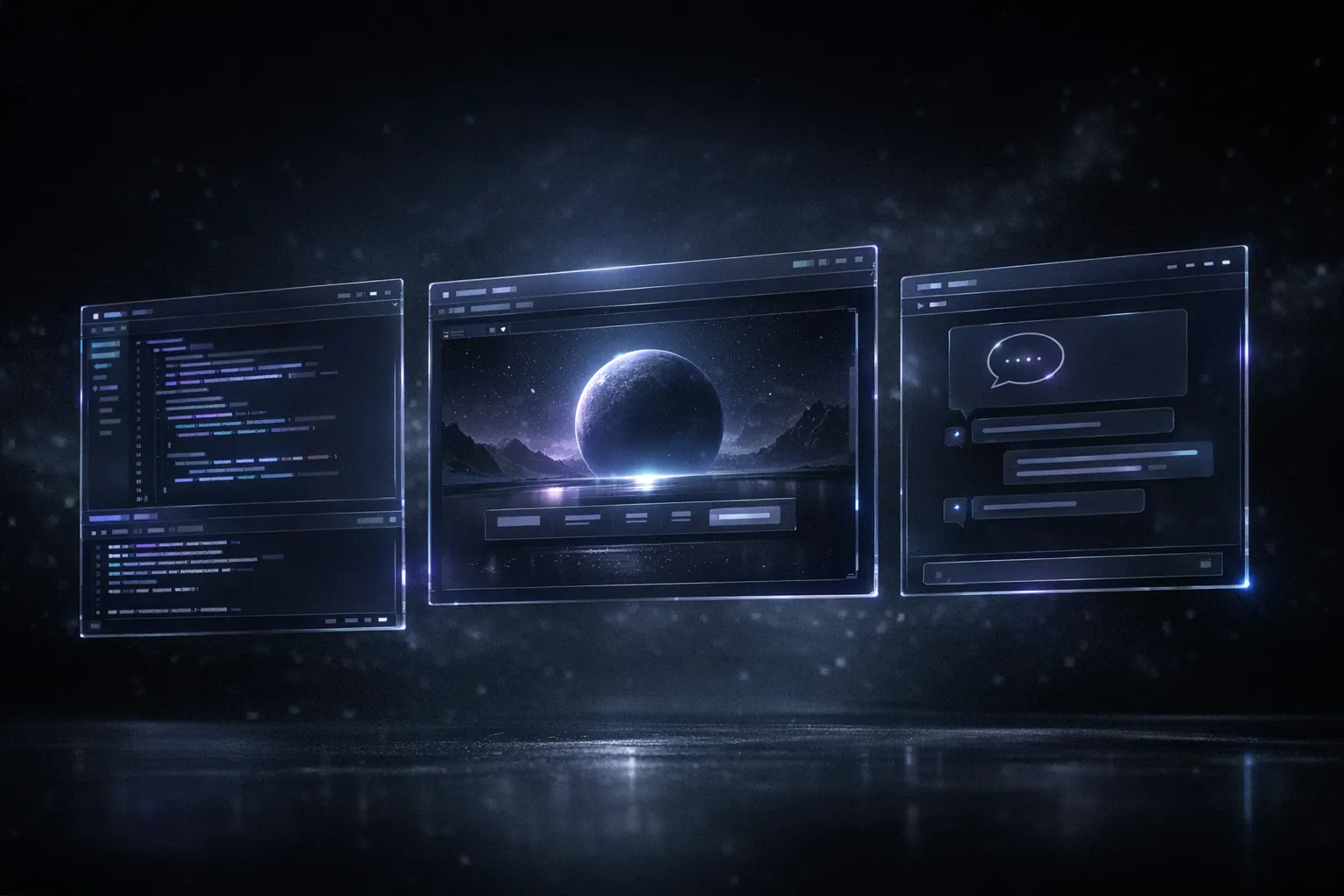
It was early 2026. I was sitting in front of my screen with three terminals open, VS Code with the Cursor plugin, a browser showing the preview of my application, and a chat with Claude in a separate window. I was copying code back and forth, switching between windows, trying to explain to the AI agent what was visible on my screen. And then I thought: This can’t be where things end up.
I had been working intensively with AI coding assistants for months. First GitHub Copilot, then Cursor, then Claude Code in the terminal. Each of these tools was impressive, but none of them was truly built for an AI agent to work autonomously. They were all designed around the human developer as the central actor — the agent was a passenger at best.
The Problem with Existing Tools
VS Code is a fantastic IDE. Cursor has taken AI integration to a new level. Claude Code in the terminal is incredibly powerful. But all these tools share a fundamental problem: they treat the AI agent as an extension, not as an independent actor.
What do I mean by that specifically? An AI agent that is supposed to work productively needs more than just access to files and a terminal. It needs the ability to see the application it is building. It needs to be able to open the browser, take screenshots, understand what is happening on the screen. It needs an integrated environment where code editor, terminal, browser preview, and container management work together seamlessly.
Imagine explaining a UI problem to a colleague over the phone, without them seeing your screen. That is exactly what it feels like when an AI agent writes frontend code but cannot see the preview. It is working blind.

The Vision
My vision for Atoo Studio was clear from the start: a development environment where AI agents are first-class citizens. Not a plugin, not an extension, but an environment designed from the ground up for humans and AI to build software together.
The core idea: everything runs in the browser. The code editor, the terminal, the application preview, container management — all in a single window. The AI agent has access to all these components. It can write code, run commands, see the preview, and react to errors. And the human can step in at any time, take over, or give the agent new instructions.
Technical Decisions
The decision to build Atoo Studio as a browser-based application was not an easy one. Native desktop applications have advantages in performance and system access. But the browser offered me something no desktop app can: instant availability, no installation, platform independence.
Container-Based Workspaces
Every workspace in Atoo Studio runs in its own container. That sounds like overhead at first, but it solves a whole range of problems at once. Isolation between projects, reproducible environments, easy setup of new projects. And for AI agents, it is a blessing: they can work in a sandbox without risking the host system. If an agent runs a command that breaks the container — no problem, we just start a new one.
The container infrastructure was one of the biggest technical challenges. We needed to find a way to start containers quickly, manage them efficiently, and still give the user the feeling of working directly on their machine. The solution was a sophisticated system of pre-built images, volume mounts for persistent data, and a custom orchestrator managing container lifecycles.
The Integrated Browser
One of the features I am most proud of is the integrated browser in Atoo Studio. It is not simply an iframe with a URL. It is a full browser context accessible to the AI agent. The agent can see the page, inspect elements, click buttons, and take screenshots. That sounds trivial, but it fundamentally changes how an AI agent can interact with a web application.
Technically, this is based on a headless browser instance running inside the container, whose output is both displayed to the user as a preview and made available to the AI agent as visual input. The synchronization between these two views was one of the trickiest tasks.
Agent Integration
The third major technical building block is agent integration. Atoo Studio is not tied to a specific AI provider. We support various models and agent frameworks. The architecture is based on an agent protocol that standardizes communication between the IDE and the AI agent.
The agent receives structured context: which files are open, what the terminal shows, what is visible in the browser, which errors exist. It can return structured actions: edit file, run command, navigate browser. This is a fundamental difference from chat-based interfaces where everything runs through unstructured text.
From Idea to Product in One Week
I built the first working version of Atoo Studio in a single week. Early 2026. No months of planning, no detailed specification documents — just building. The first prototype was a modified code-server with a few scripts wrapped around it. Not pretty, but it worked. The first time I watched an AI agent independently debug a React component — with access to the browser preview — I knew I was on the right track.
After that first week, Atoo Studio went straight into production use. I started using it to develop my own projects. Since then, Atoo Studio has been my daily tool — and that makes all the difference. Development does not happen in a vacuum but is driven directly by the demands of daily use. Every feature that gets added exists because I need it myself. Every bug becomes immediately visible because I am the first user.
This approach — developing in production while using the product — is extremely effective. You don’t build features nobody needs. You don’t miss problems that affect real users.
What Makes Atoo Studio Different
The core of what distinguishes Atoo Studio from other tools can be summarized in three points.
First, the environment is unified. No switching between windows, no copy-paste workflows, no manually explaining visual context. Everything is in one place, and both human and agent have access to everything.
Second, AI agents are first-class citizens. The UI, the architecture, the APIs — everything is designed so that an agent can work effectively. This is not just about the technical side but also about UX design: How do we show the user what the agent is doing? How does the user give the agent feedback?
Third, workspaces are containerized and cloud-based. This eliminates the classic “works on my machine” problem and gives both users and agents a consistent, reproducible environment.
The Future
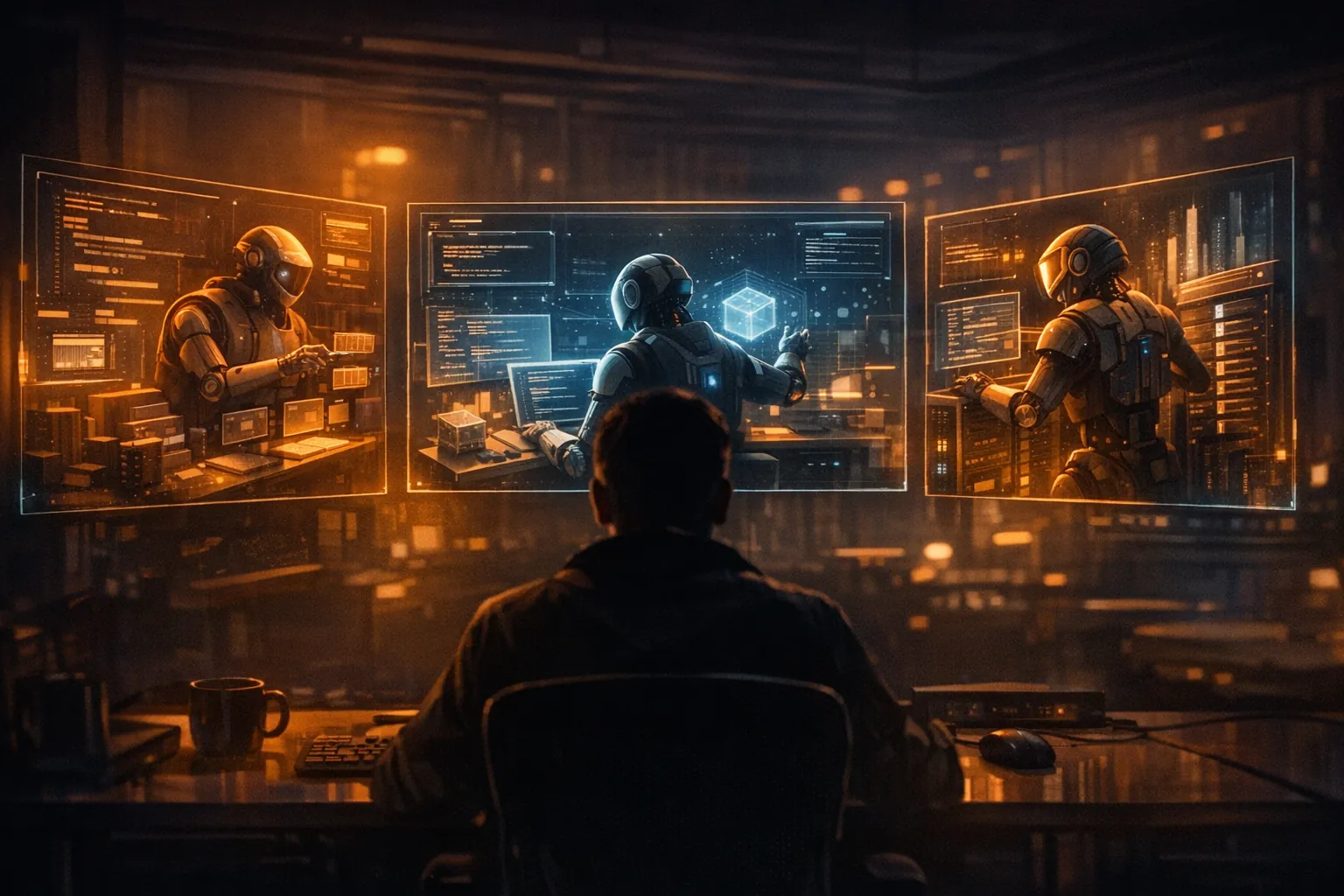
Atoo Studio is already in production use and is being developed further every day. I am working on deeper agent integration, better collaboration between human and AI, and features that still sound like science fiction today: agents working in parallel on different features, automatically writing and running tests, and reviewing their own work.
The development process remains deliberately organic. No rigid roadmaps, no artificial release cycles. Instead: a tool that grows with its users. New features are added every week, driven by real requirements from daily use.
I believe that the way we build software will fundamentally change in the coming years. And I am convinced that we need new tools for that — tools that do not just bolt AI onto existing IDEs but that are designed from the ground up for collaboration between humans and AI.
Atoo Studio is exactly such a tool. And it gets better every day.